






Cybercriminals are always evolving their tactics—and this week’s threat comes disguised as a seemingly harmless PDF.
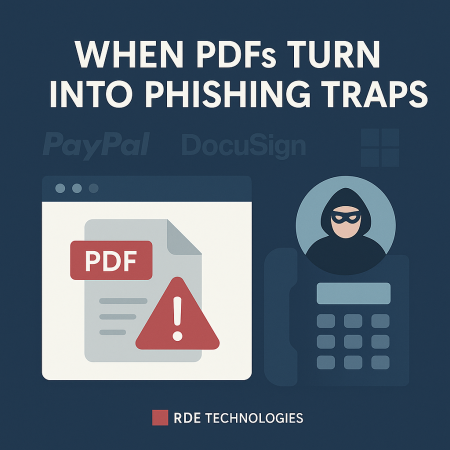
Here’s how it works: You receive an email that appears to come from a trusted source—like Microsoft, PayPal, or DocuSign. The subject line is designed to alarm you, suggesting there’s an issue with your account that needs urgent attention. Attached to the email is a PDF file that looks professional, complete with recognizable logos and formatting that mimics the real thing.
Inside the PDF are instructions urging you to call a “customer service” number to resolve the issue. But beware—this number connects you directly to the scammers.
Once you’re on the line, a fake support agent will attempt to gain your trust. They may instruct you to install software (which is actually malware) or ask for sensitive information such as login credentials, banking details, or other personal data—all under the guise of helping you.
This scam is particularly dangerous because many people are more likely to trust a voice on the phone than a suspicious email or link.
Protect Yourself with These Tips:
- Treat unexpected attachments with caution – If you weren’t expecting a file, verify the sender before opening anything.
- Don’t use contact info from suspicious messages – Instead, visit the official website of the organization and use the verified phone number or support channels listed there.
- Beware of urgency – Scammers often try to create panic so you’ll act before thinking. Legitimate companies typically don’t send time-sensitive issues via unsolicited PDFs.