







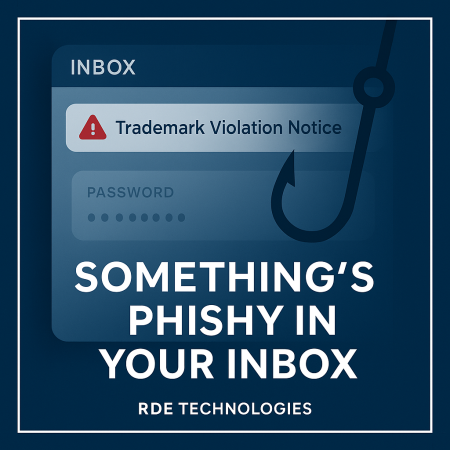
A new scam is making the rounds, taking advantage of Google AppSheet—a legitimate tool used to create web and mobile applications. Victims receive an email that appears to come directly from an official AppSheet email address. The subject line references a “trademark violation notice” or something equally alarming, urging immediate action.
Inside the email is a link that leads to what looks like a normal login page. You’re prompted to enter your username and password to address the supposed violation. The message is designed to sound urgent, pushing you to react quickly before thinking it through.
Here’s the catch: while the platform sending the email is genuine, the message itself is not. Scammers are exploiting AppSheet to distribute fake legal notices, banking on the fact that users trust emails coming from recognized services. Once you enter your credentials on the fake page, attackers can capture them instantly and gain access to your account.
How to Stay Safe from This Type of Phishing Attack
Be skeptical of urgency tactics. Subject lines that mention violations, legal threats, or immediate consequences are designed to trigger panic.
Hover before you click. Always place your mouse over a link to preview the actual destination before selecting it.
Verify through official channels. If something seems off, don’t interact with the email. Instead, go directly to the service’s official website and reach out using verified contact information.
Taking a moment to double-check can be the difference between staying secure and falling victim to a cleverly disguised scam.